
Disclosure: As an Amazon Associate, we earn from qualifying purchases made through links on this page. We do not run lab tests. Runtime figures below are worked planning examples from stated assumptions, not test results or manufacturer promises.
When the power goes out, two very different boxes can keep your home running, and they are easy to confuse. A UPS (uninterruptible power supply) sits under a desk and guards a computer. A portable power station is a big rechargeable battery with outlets that can run a fridge, a lamp, or a laptop for hours. Both store energy and both have AC outlets, but they were built for different jobs. Buying the wrong one means paying for hours of backup you never get, or for minutes of backup when you needed a whole evening.
This guide explains what each device actually does, how long each one lasts with a realistic load, and which one fits your home. If you are still sizing a station in general, our guide to what size power station you need covers the capacity math in more detail.
What a UPS is built to do
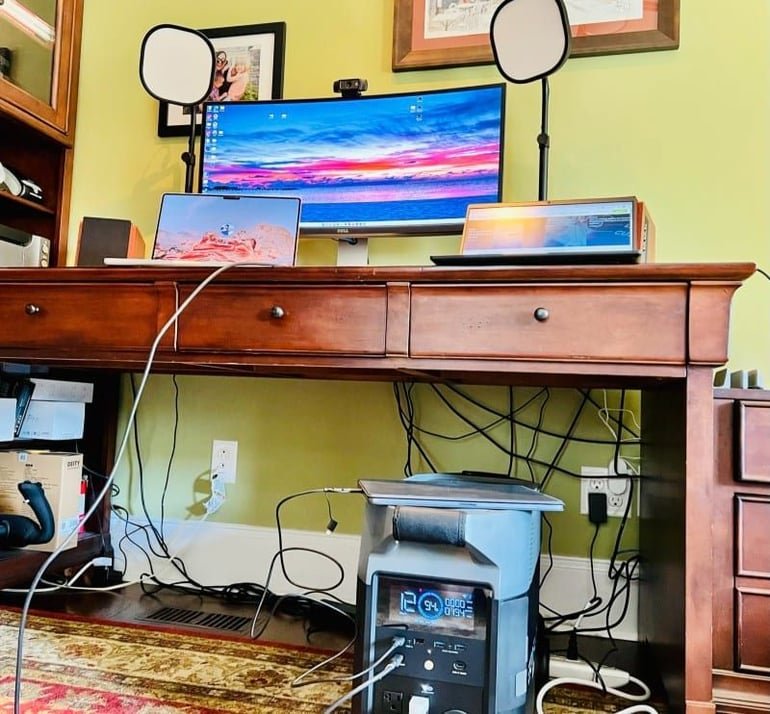
A UPS is a bridge, not a destination. Its job is to keep your equipment running through short interruptions: a flicker, a brownout, or the few minutes it takes you to save your work and shut down cleanly. Most home UPS units are designed to carry a desktop computer, a monitor, and a router for somewhere between a few minutes and half an hour, depending on the load.
The feature that defines a UPS is its switchover speed. When wall power fails, a UPS switches to battery in milliseconds, fast enough that a desktop computer never notices. That matters for anything that loses work when it restarts without warning: a desktop PC, a network storage drive, or a home server. A UPS also cleans up the power feeding those devices, smoothing out sags and surges that can wear out power supplies over time.
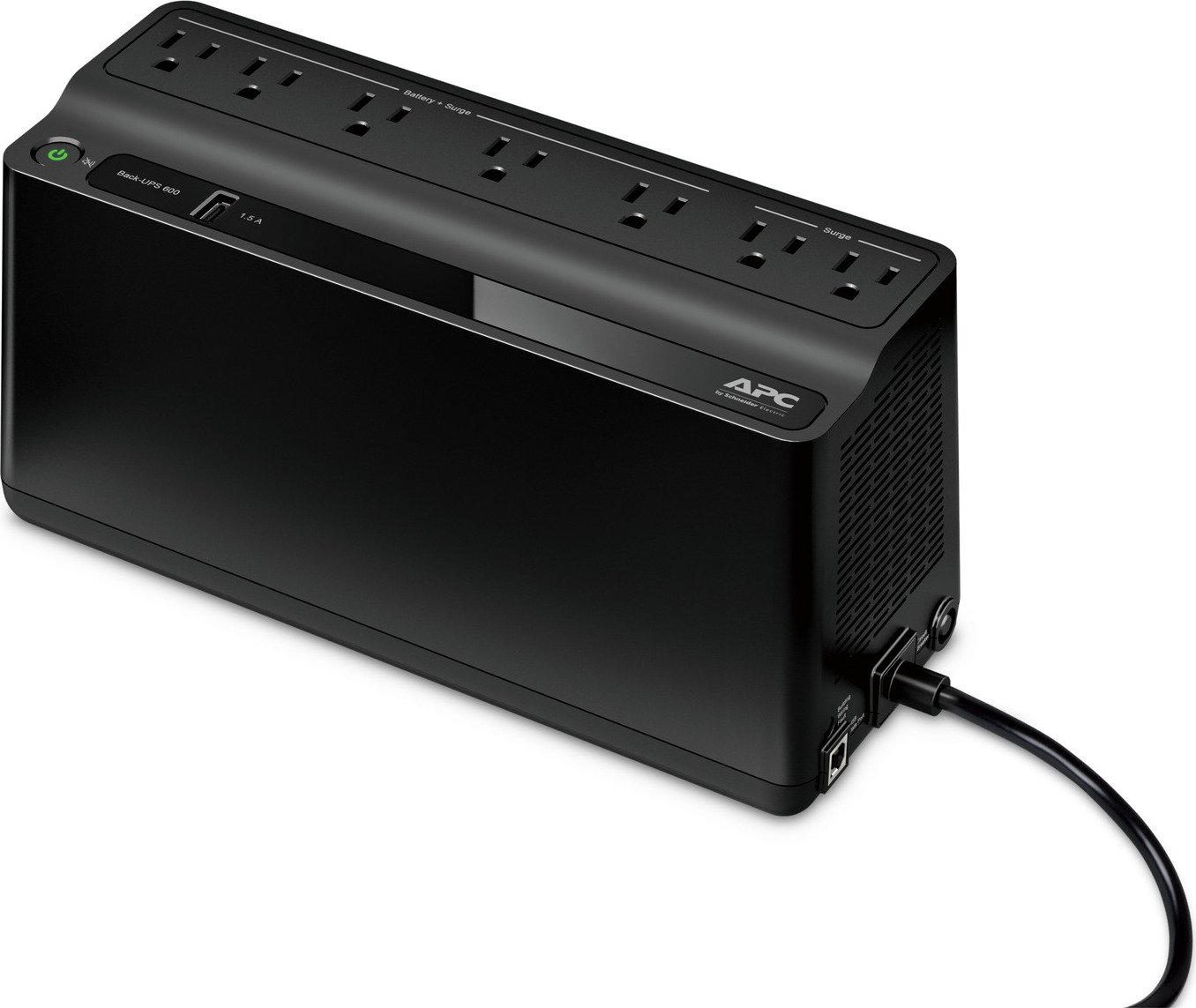
Home UPS units are usually rated in VA (volt-amps) rather than watts, and the watt rating is lower than the VA number. A common entry level unit such as the APC Back-UPS 600 is rated at 600 VA, which is a small desk setup, not a room full of appliances. The outlets on the back are often split into two groups: battery backed outlets that stay live during an outage, and surge only outlets that protect against spikes but go dark when the power fails. Plugging a printer or a space heater into a battery outlet is a classic mistake, since those loads drain the battery in minutes.
What a portable power station is built to do
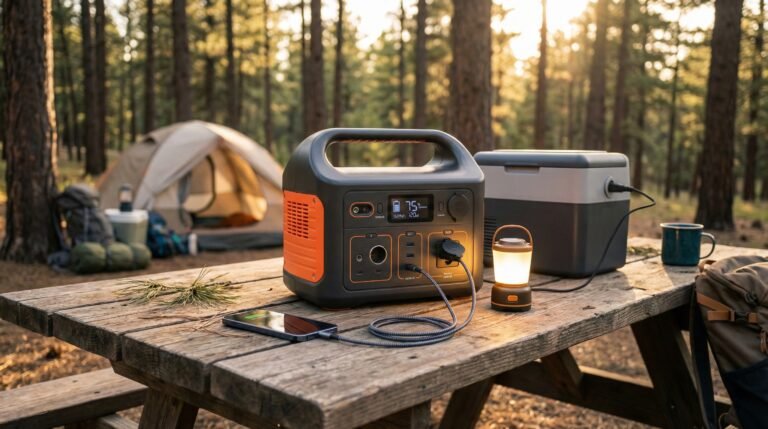
A portable power station is a large battery with an inverter, AC outlets, USB ports, and usually a 12 volt car style outlet, all in one carrying case. Where a UPS buys you minutes, a station buys you hours. A mid size station with around 1,000 watt-hours of capacity can run a laptop and a router for most of a day, or a small fridge for several hours. It is also portable, so the same unit that backs up your home office can go camping, to a job site, or to a tailgate.
Stations recharge in more ways than a UPS. Most charge from a wall outlet, many accept solar panels, and some charge from a car outlet. That matters during a long outage: a UPS is useless once its small battery is flat and the grid is still down, while a station paired with solar panels can top itself up during the day. Our solar panel pairing guide explains how panel wattage and input limits affect recharge time.
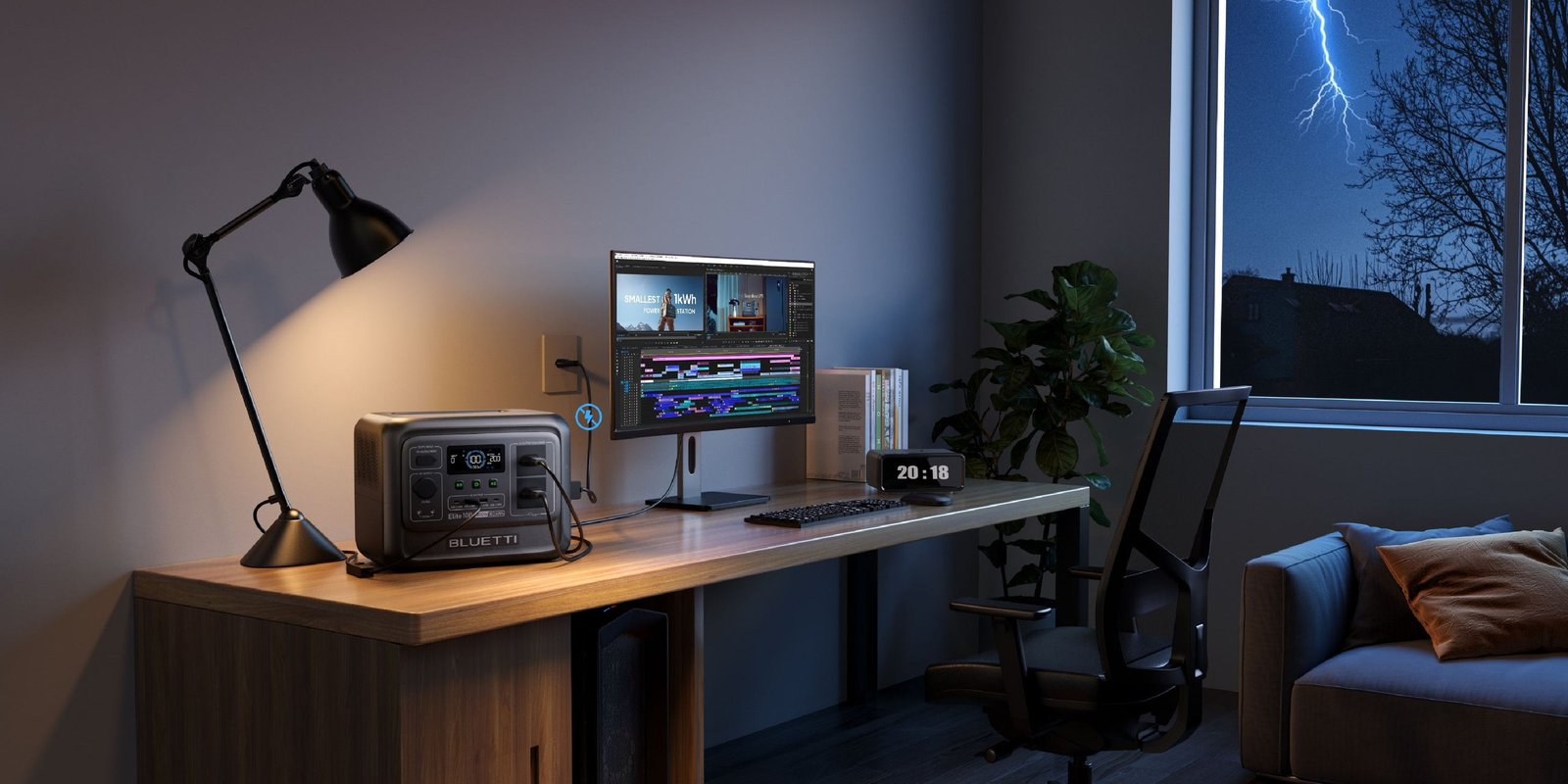
The trade off is switchover speed. Many portable power stations switch to battery in around 20 milliseconds or more when used as a backup, and some only switch when you turn them on manually. That is fast enough for a lamp, a fridge, or a phone charger, but it can be too slow for a desktop computer that is sensitive to even a brief interruption. Some newer stations advertise an EPS (emergency power supply) or UPS mode with a faster switchover, usually under 20 milliseconds, but you should check the spec sheet for the exact number rather than assuming every station works as a UPS replacement.
UPS vs portable power station at a glance
| Feature | UPS | Portable power station |
|---|---|---|
| Typical job | Bridge short outages, protect a computer | Run gear for hours, anywhere |
| Typical capacity | Tens to a few hundred watt-hours | 300 to 2,000+ watt-hours |
| Switchover | Milliseconds, effectively instant | Varies, often 20 ms or slower unless EPS/UPS mode is specified |
| What it runs well | Desktop PC, monitor, router, network storage | Laptop, fridge, lights, phones, small appliances |
| Recharge options | Wall outlet only | Wall, solar, and often car charging |
| Portability | Stays under the desk | Carries to another room, the yard, or a campsite |
| Battery type | Often sealed lead-acid, replaced every few years | Usually lithium, often LiFePO4 in newer models |
| Check price | Check price on Amazon | Check price on Amazon |
Runtime math: the same desk setup on each device
Take a home office setup drawing about 150 watts: a laptop or modest desktop, one monitor, and a router. On a small UPS rated at 600 VA, that load gives you roughly 10 to 20 minutes. That is enough to save a document, finish a video call gracefully, and shut down, but it is not an evening of work.
On a portable power station, the same math looks very different. A station with 1,024 watt-hours of capacity, such as the EcoFlow DELTA 2 with its 1,800 watt AC output, holds about 1,024 watt-hours. Apply a planning factor of 85 percent for inverter losses and the energy you should not count on, and you get about 870 usable watt-hours. Divide by a 150 watt load and you get close to 5.8 hours. That is a planning estimate, not a promise, since real draw varies with screen brightness, CPU load, and battery age, but it shows the scale of the difference: minutes versus most of a workday.
The gap widens with bigger loads. A full size fridge averaging 100 watts is a poor match for a UPS, which would drain in minutes and may not handle the fridge startup surge at all. The same fridge on a 1,024 watt-hour station runs for roughly 8 hours on the same planning math. Our worked fridge examples in how long a power station runs a fridge walk through surge watts and duty cycles in detail.
Switchover: the devices that cannot blink
The one job where a UPS clearly wins is protecting gear that cannot tolerate even a brief power gap. A desktop computer with unsaved work, a network drive mid-write, or a home server can corrupt data or crash if power drops for even a fraction of a second. A UPS is designed for exactly this, with switchover times measured in single digit milliseconds and often advertised as zero transfer time for practical purposes.
A portable power station used in pass-through or EPS mode may switch in under 20 milliseconds, which sounds fast, and for many modern laptop power bricks and phone chargers it is fine. But a desktop power supply can be pickier, and a 20 millisecond gap is long enough to reboot some systems. If your goal is keeping a desktop alive through flickers, a dedicated UPS is the safer tool, and a station is the supplement for everything else.
Batteries, maintenance, and lifespan
Most home UPS units still use sealed lead-acid batteries. They are cheap and reliable, but they age even when they are not used, and most need replacing every 3 to 5 years. The replacement is usually a user serviceable swap, but it is a cost and a chore people forget until the UPS fails a self test during a real outage. Lead-acid batteries also prefer a cool, ventilated spot and lose capacity faster in a hot garage.
Portable power stations mostly use lithium batteries, and newer models commonly use LiFePO4 chemistry, which tolerates thousands of charge cycles and holds up better when stored at a partial charge. Our comparison of LiFePO4 vs NMC battery chemistry explains why cycle life and heat tolerance differ between the two lithium families. A station still needs care: storing it fully drained for months shortens its life, and lithium batteries charge slowly or not at all below freezing, so winter storage in an unheated space needs attention.
Maintenance habits differ too. A UPS mostly looks after itself until the battery ages out, with a periodic self test as the main check. A station repays a little more attention: a top-up charge every few months in storage, a firmware update now and then, and a check that the solar input cables and adapters are where you left them before storm season.
Noise, size, and where each one lives
A UPS is quiet. It has no fan most of the time, or a small one that only runs under load, and it tucks under a desk out of sight. Its main annoyance is the beeping alarm during an outage, which most models let you silence.
A portable power station is bigger, heavier, and noisier under load. A 1,000 watt-hour class station weighs roughly 20 to 30 pounds, and its cooling fans spin up when the inverter works hard, for example while running a fridge compressor or charging at full speed. That is fine in a living room or a garage, but it is worth knowing before you plan to sleep next to one during an overnight outage. For a straight comparison with fuel based backup, see our portable power station vs gas generator guide.
What each one cannot do
A UPS cannot run your home. It cannot carry a fridge, a microwave, or a space heater for any useful length of time, and plugging large appliances into one risks overloading it or draining it before you finish saving your work. It also cannot recharge itself from solar panels, so once the battery is flat during a long outage, it stays flat.
A portable power station cannot fully replace a UPS for sensitive computers unless its switchover spec says so, and even then you should test it with your own setup before trusting it. It also cannot run high wattage heating appliances for long: a 1,500 watt kettle or heater drains a 1,000 watt-hour station in well under an hour. Stations are best for moderate, steady loads, not for electric heat or cooking.
Which one should you buy?
Buy a UPS first if your main worry is a desktop computer, a home server, or network gear losing power without warning. It is cheaper, quieter, and purpose built for that job. Size it so your computer and monitor draw no more than about two thirds of its watt rating, and put only the gear you truly need on the battery outlets.
Buy a portable power station first if your main worry is an outage lasting hours: keeping phones charged, the router online, lights on, and a fridge cold until the grid returns. Size it from your total watt-hours, not just the watt rating, and check whether you want solar charging for multi-day outages.
Many homes end up with both, and that is a sensible setup rather than a wasteful one. The UPS guards the computer through flickers and gives you minutes to react. The station takes over the longer job: the router, the lights, the fridge, and the phones. Together they cover the two different problems an outage creates, the instant interruption and the long wait, and neither device has to pretend to be the other.
Quick checks before you buy either one
First, add up the watts of everything you actually need during an outage, and leave headroom for startup surges on anything with a motor or compressor. Second, for a UPS, check the watt rating, not just the VA number, and confirm which outlets are battery backed. Third, for a station, check the switchover time if you plan to run a desktop from it, and check the solar input limit if you plan to recharge off grid. Fourth, think about where the unit will live and whether its weight, fan noise, and ventilation needs fit that spot. A backup device you cannot reach, cannot hear yourself think next to, or forgot to maintain will disappoint you on the one night you need it.